When you report a problem with PikaOS, what happens next?
It's a simple question, but a report, its discussion, the fix and the release note can easily end up in different places. We lose useful context, and the person who reported the problem is left wondering whether anything came of it.
So we built Pika Projects.
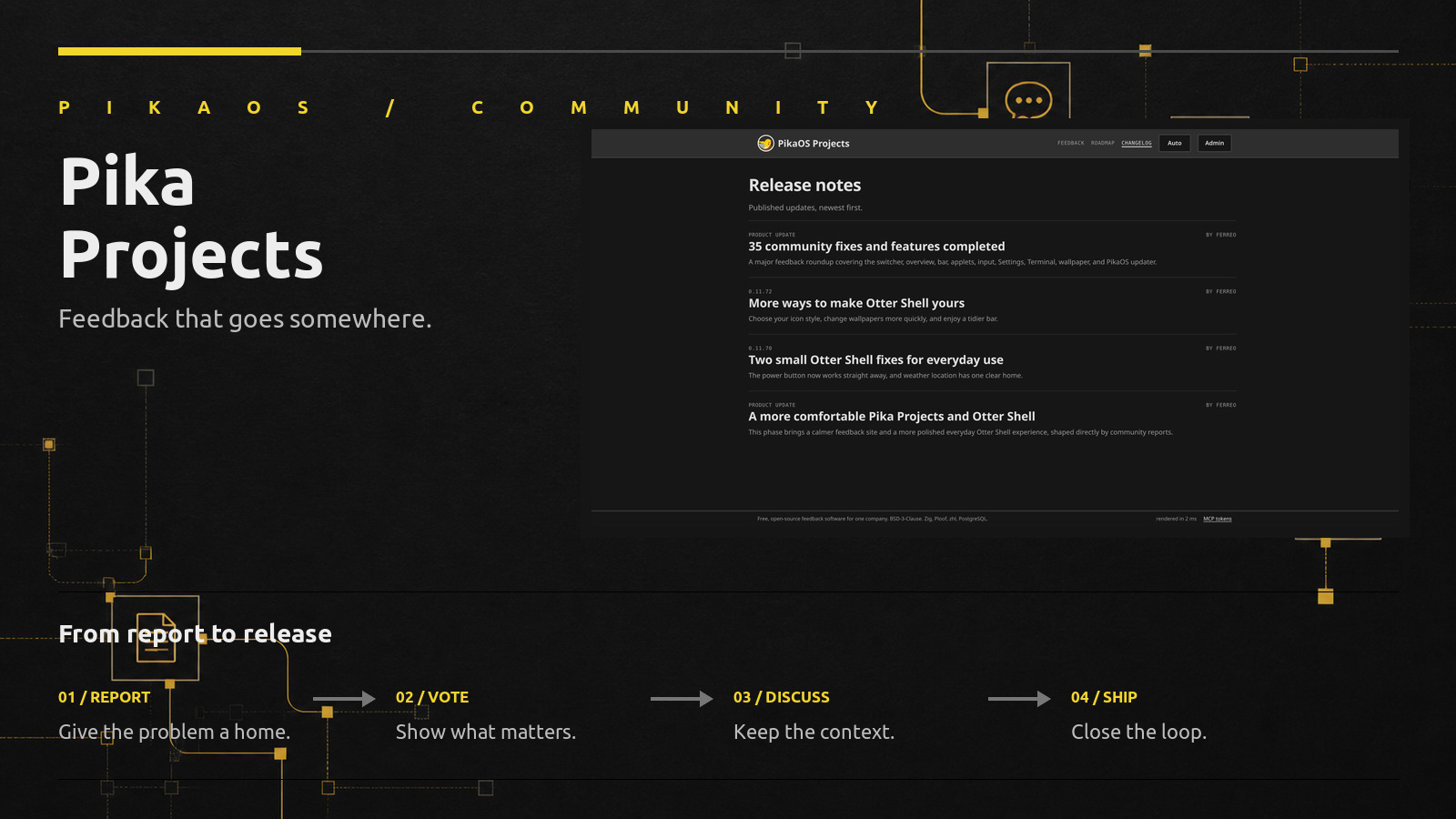
Pika Projects is where we now collect feedback for PikaOS, Otter Shell and our websites. You can report a bug, suggest an improvement or ask for a new feature. Other people can vote on it, add more information and follow the same report as we review and work on it.
A Better Place for Feedback
Bug reports have separate fields for reproduction steps, expected behaviour, what actually happened and system information. You can also attach screenshots or other evidence. We get the details we need without starting every reply with the same list of questions.
The voting system is deliberately simple. Each person gets one vote on an issue, which can be added or removed at any time. A vote is not a promise that we will build something, but it does show us when the same problem or idea matters to more than one person.
Comments keep the conversation attached to the report. Someone else can confirm a bug, add a missing detail or reply to a question from a developer. When the issue moves to another status, all of that context moves with it.
From a Report to a Real Fix
Take issue #29. Zello reported that Otter's wallpaper picker had stopped applying changes immediately. The new wallpaper only appeared after logging out or rebooting.
Another user confirmed that the standalone picker closed after choosing an image without changing the wallpaper. A third added that automatic wallpaper selection had stopped working too. At that point it was clear that this was more than one odd wallpaper-picker bug.
The cause turned out to be how our configuration files were watched. Otter Settings safely writes a new file and renames it over the old one, but several daemons were watching the old file itself. Once it was replaced, their watch disappeared. The wallpaper changed after logout because restarting the session loaded the new configuration from scratch.
We fixed the shared watcher to monitor the configuration directory and reload after a file replacement. That fixed the wallpaper report and the same underlying problem across the other Otter services using that watcher. The issue was then closed and linked in our 35 community fixes and features completed update.
The report stayed useful throughout the work. Other users confirmed it, we could explain the cause and fix in the same thread, and the changelog now points back to it.
A Roadmap That Updates Itself
The roadmap is built directly from issue status. Pending, Reviewing, Planned, In progress and Recently completed are not copies of the feedback in another system. They are the same reports.
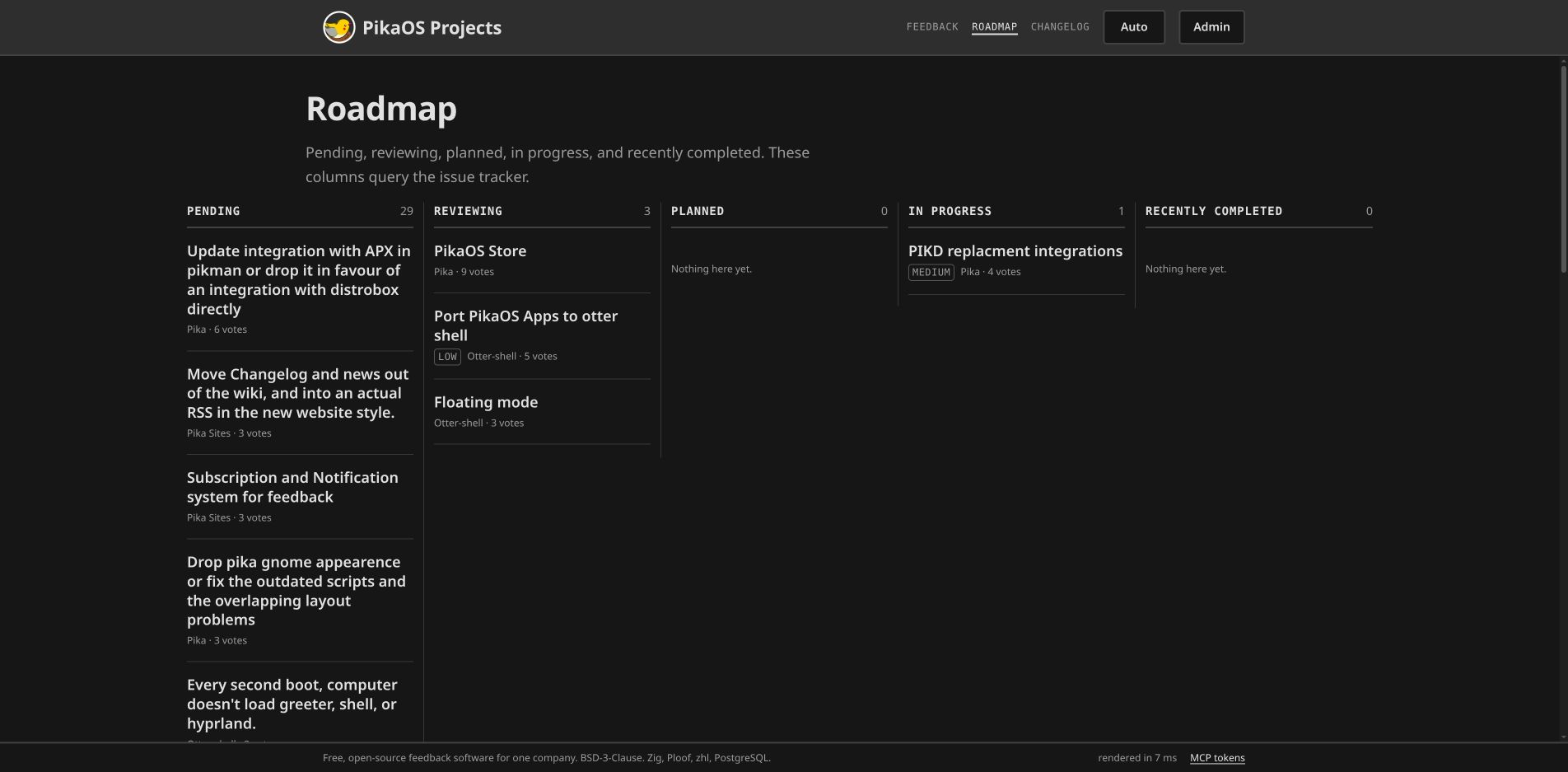
When we change a status, the roadmap changes with it. Votes, comments and evidence stay on the issue, so you do not have to hunt for the original conversation. It also means we cannot forget to update a separate roadmap document after moving the actual work.
Changelogs With the Work Attached
The changelog handles the last part. We can write normal release notes, give them a version when there is one, and link every completed report included in the update.
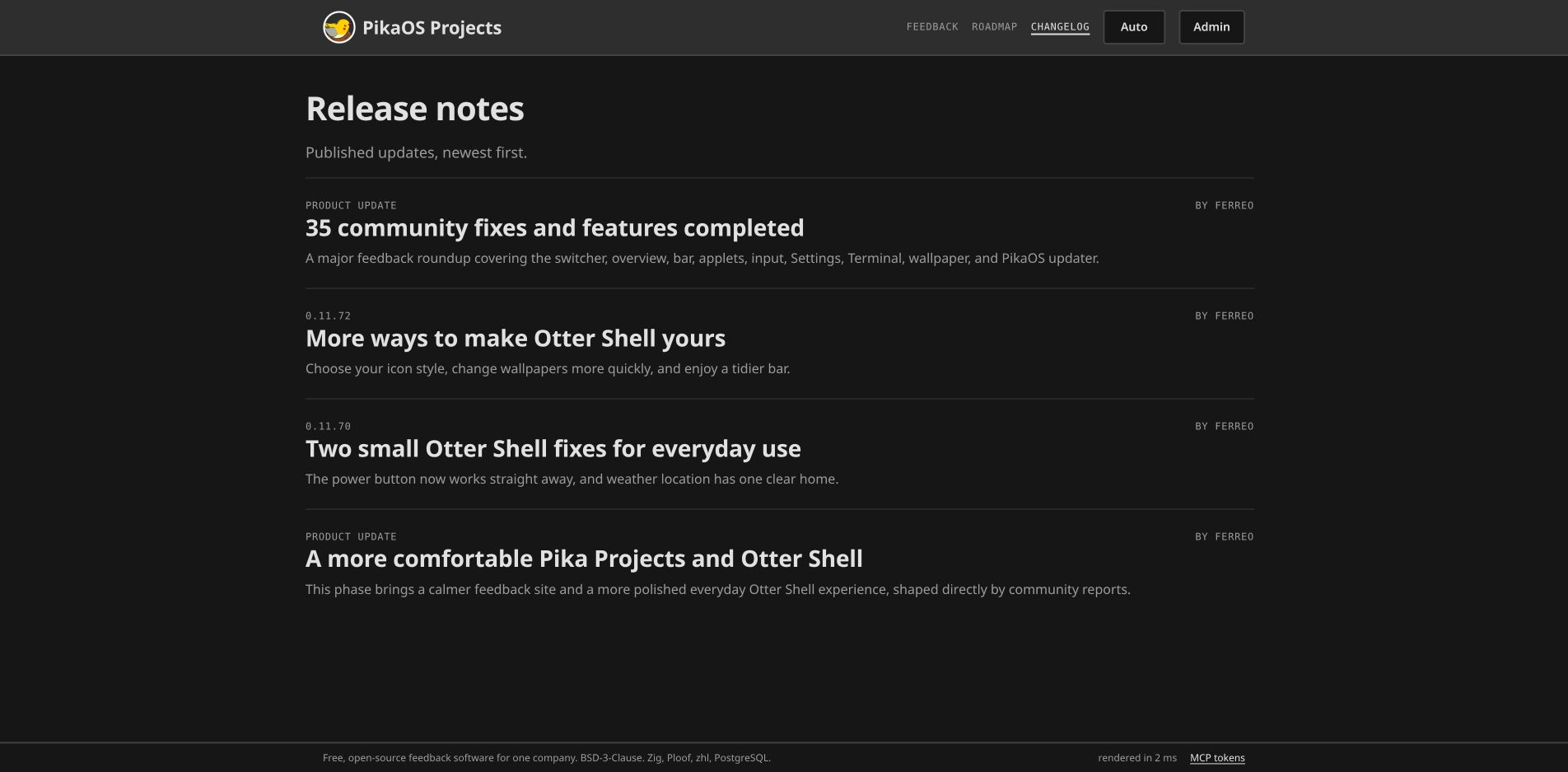
The 35-item community roundup is the largest example so far. It covers changes to the switcher, overview, bar, applets, input, Settings, Terminal, wallpaper and the PikaOS updater. Smaller releases work just as well: Otter Shell 0.11.72 covers a set of personalisation improvements, while 0.11.70 records two small weather and power fixes.
If you reported one of those problems, you can follow the link back to the original issue and see exactly what was changed.
Under the Hood
Pika Projects is our hosted version of Poof, which we wrote in Zig and released under the BSD-3-Clause licence. It uses our Ploof web framework, PostgreSQL for the feedback and zhl for highlighting code in Markdown.
Most pages are rendered on the server, with a small amount of JavaScript where it is useful. We wanted it to feel quick and straightforward rather than like a large project-management suite. PikaOS only needs one place for its own community, so that is what Poof is built for.
Poof also has an MCP interface. The tools we use can read the same issues, comments, roadmap and changelogs without another private API. They can also help with jobs such as preparing a changelog from completed reports. The website and MCP work with the same data.
Community
Community feedback has always helped shape PikaOS. Pika Projects gives it a proper home after the first conversation. We spend less time copying reports between places, and everyone gets a clearer view of what people are running into.
You can see what is waiting for review, what we are working on and what has already shipped. You can also vote instead of posting a duplicate, or add a comment when you have useful information that the original report missed.
Everything is open source. You can read the code, visit Pika Projects or file a report of your own. If it turns into a fix, the same page will be there to show what happened.